IGCSE ICT Theory Complete Revision
Comprehensive revision guide covering Chapters 1 through 10 with illustrated concepts and exam summaries.

Types & Components of Computer Systems
1.1 Hardware & Software
Hardware: Physical, electronic components that make up a computer system.
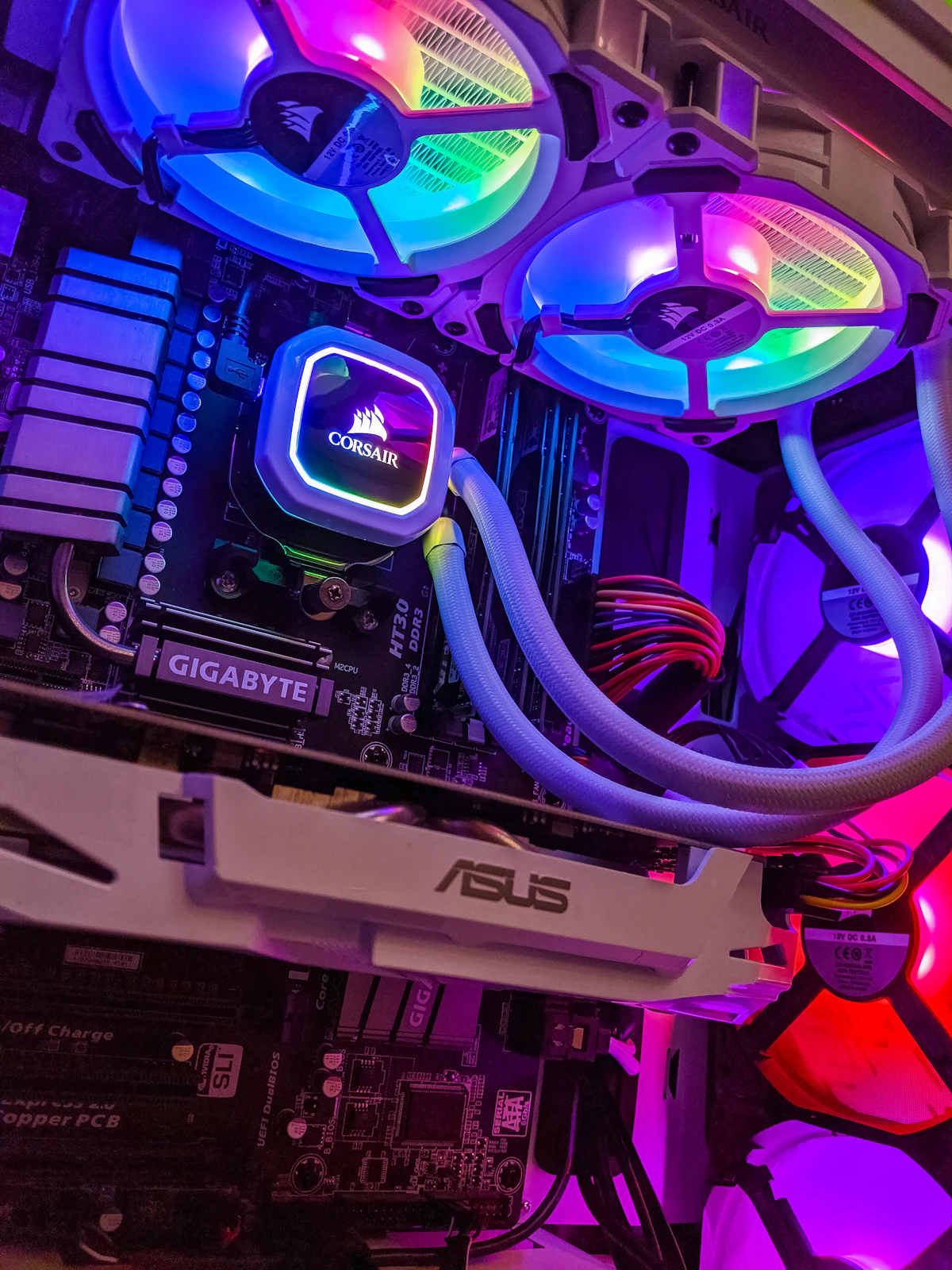
- Internal Hardware: CPU (interprets and executes instructions), Processor, Motherboard (main circuit board), Internal Memory (RAM/ROM), Graphics/Sound cards, Internal Storage (HDD/SSD), Network Interface Card (NIC).
- External Hardware: Peripherals such as Monitor, Keyboard, Mouse, Printer, and external storage drives.
Software: Programs, commands, and techniques directing the hardware.
- Application Software: Enables users to perform specific tasks. Includes general-purpose (word processors, spreadsheets) and specialist custom software.
- System Software: Manages computer resources. Includes Compilers (translates high-level code to machine code), Linkers (combines modules into executable programs), Device Drivers (enables hardware communication), Utilities (antivirus, defragmenters), and Operating Systems (OS).
- ADC (Analogue-to-Digital Converter): Converts continuous physical signals into digital data.
- DAC (Digital-to-Analogue Converter): Converts digital signals back to analogue for physical actuators.
1.2 Main Components of Computer Systems
- Central Processing Unit (CPU): The core microprocessor containing:
- Control Unit (CU): Directs execution and data flow.
- Arithmetic Logic Unit (ALU): Handles calculations and logical decisions.
- Registers: High-speed internal memory locations.
| Memory Type | Volatility | Access | Primary Function |
|---|---|---|---|
| RAM | Volatile (lost on power-off) | Read & Write | Stores active data, running programs, and loaded OS parts. |
| ROM | Non-Volatile (permanent) | Read-Only | Stores start-up instructions (BIOS) and basic boot firmware. |
Internal Memory vs. Backing Storage: RAM is volatile while backing storage is permanent; backing storage has larger capacity and lower cost per GB, but slower data access than internal memory.
1.3 Operating Systems (OS) & User Interfaces
- CLI (Command Line Interface): Text-only commands; minimal memory usage, fast for experts, but high learning curve.
- GUI (Graphical User Interface): Uses WIMP (Windows, Icons, Menus, Pointer); intuitive and user-friendly, but resource-heavy.
- Dialogue-Based: Human voice input; hands-free accessibility, but prone to background noise errors.
- Gesture-Based: Sensor/camera detection of body movements without physical contact.
1.4 Types of Computers
- Desktop Computers: High performance per cost, easy to upgrade/repair, mains-powered; bulky and not portable.
- Laptops: Portable, integrated units; difficult to upgrade, limited battery life, higher risk of theft.
- Mobile Devices: Smartphones, Tablets, and Phablets (hybrids bridging phone cellular calls and tablet-sized screens).
1.5 Emerging Technologies
- Artificial Intelligence (AI): Machine simulation of human decision-making, diagnostics, and automated workflows.
- Extended Reality (XR): Augmented Reality (AR) overlays digital objects onto the real world; Virtual Reality (VR) creates an immersive computer-generated simulated environment.

Input & Output Devices
2.1 Input Devices
- Keyboards & Numeric Keypads: Fast text/numerical input; risk of RSI, slower than direct entry.
- Pointing Devices: Mouse, Touchpad, Tracker Ball (ideal for users with RSI or restricted wrist movement).
- Touchscreens: Direct selection; versatile but prone to screen smudges and fatigue.
- Scanners & Digital Cameras: Digitizes paper documents or captures photos; used with OCR software.
- Sensors: Continuous automatic monitoring (Temperature, Pressure, Light, Sound, Humidity, pH). More accurate than humans; require ADCs for computer processing.
2.2 Direct Data Entry (DDE)
| Device | Primary Uses | Key Advantage | Key Disadvantage |
|---|---|---|---|
| Magnetic Stripe | ATMs, hotel access cards | Fast, error-free, robust | Data erased by strong magnets |
| Chip & PIN | Card payment POS | PIN acts as a second security layer | Must shield PIN from view |
| RFID | Stock/livestock tracking | No line-of-sight required; bulk scan | Radio collision/interference |
| OMR | MCQ exams, lottery forms | Ultra-fast, accurate marking | Mismarked forms need manual review |
| OCR / ANPR | Passports, number plates | Converts text into editable data | Struggles with handwriting |
| Barcodes | Supermarket inventory | Proven, automated stock control | Easily damaged/scratched |
| QR Codes | URLs, mobile boarding passes | Holds vastly more data than barcodes | Can link to malicious websites |
2.3 Output Devices
- Monitors: LCD (thin, power-efficient, flicker-free) vs CRT (heavy, bulky, wide viewing angles).
- Multimedia Projectors: Large audience presentations; image washed out in bright light.
- Printers:
- Laser: High-speed, high-volume, quiet; expensive toner, produces ozone.
- Inkjet: High-quality photo prints, cheap hardware; slow, expensive ink refills.
- Dot Matrix: Multi-part carbon copies; operates in dusty/harsh environments; noisy.
- 3D Printers: Custom prototypes and prosthetics; risk of counterfeit or dangerous items.
- Actuators: Motors, buzzers, and valves allowing computers to control physical mechanical hardware (requires DACs).
Storage Devices & Media
3.1 Backing Up Data
Copying data to a separate medium to protect against hardware failure, accidental deletion, or hacker corruption.
3.2 Data Access Methods
- Serial Access: Traverses records sequentially from start to end. Slow; used for batch processing (payroll, utility billing).
- Direct Access: Jumps directly to calculate records using key fields. Fast; essential for real-time systems.
3.3 Storage Technologies
| Technology | Examples | Mechanisms / Characteristics |
|---|---|---|
| Magnetic | HDD, Magnetic Tape | Magnetizes surface bits. High capacity, economical; vulnerable to magnetic fields and mechanical wear. |
| Optical | CD, DVD, Blu-Ray | Lasers read/burn pits and lands. Blu-Ray uses 405nm blue laser for 5× DVD capacity. Read-only (ROM), write-once (R), rewriteable (RW). |
| Solid-State | SSD, Pen Drives, SD Cards | Flash memory with zero moving parts. Ultra-fast access (0.1ms), silent, low power; higher cost per GB, finite write endurance. |

Networks & The Effects of Using Them
4.1 Network Devices
- NIC (Network Interface Card): Converts data into signals; holds a unique MAC address.
- Hub: Broadcasts packets to every port indiscriminately (causes network traffic and security concerns).
- Switch: Intelligent hub; inspects packets and routes them solely to the target MAC address.
- Router: Transfers packets across distinct networks (e.g., LAN to Internet) using routing tables.
- Bridge: Links two local LAN segments using the same protocol.
4.2 Network Architectures & Environments
- LAN vs WLAN vs WAN: Local Area Network (single building) vs Wireless LAN (uses WAPs) vs Wide Area Network (geographically dispersed, connects LANs via leased lines/routers).
- Internet: Global network of networks. WWW: Interlinked web pages accessed via browsers.
- Intranet vs Extranet: Private internal network behind a firewall (Intranet) vs Intranet extended to authorized external partners/clients (Extranet).
- Cloud Computing: Remote servers accessed via the internet (Public, Private, Hybrid). Scalable with automatic backups; dependent on stable internet.
4.3 Network Security & Conferencing
- Threats: Hacking (unauthorized access), Phishing (fraudulent emails), Pharming (domain redirection to fake sites), Viruses (corrupts files).
- Conferencing: Video, Audio, and Web Conferencing reduce international travel expenses and time; impacted by latency and internet stability.
The Effects of Using IT
5.1 Microprocessor-Controlled Devices
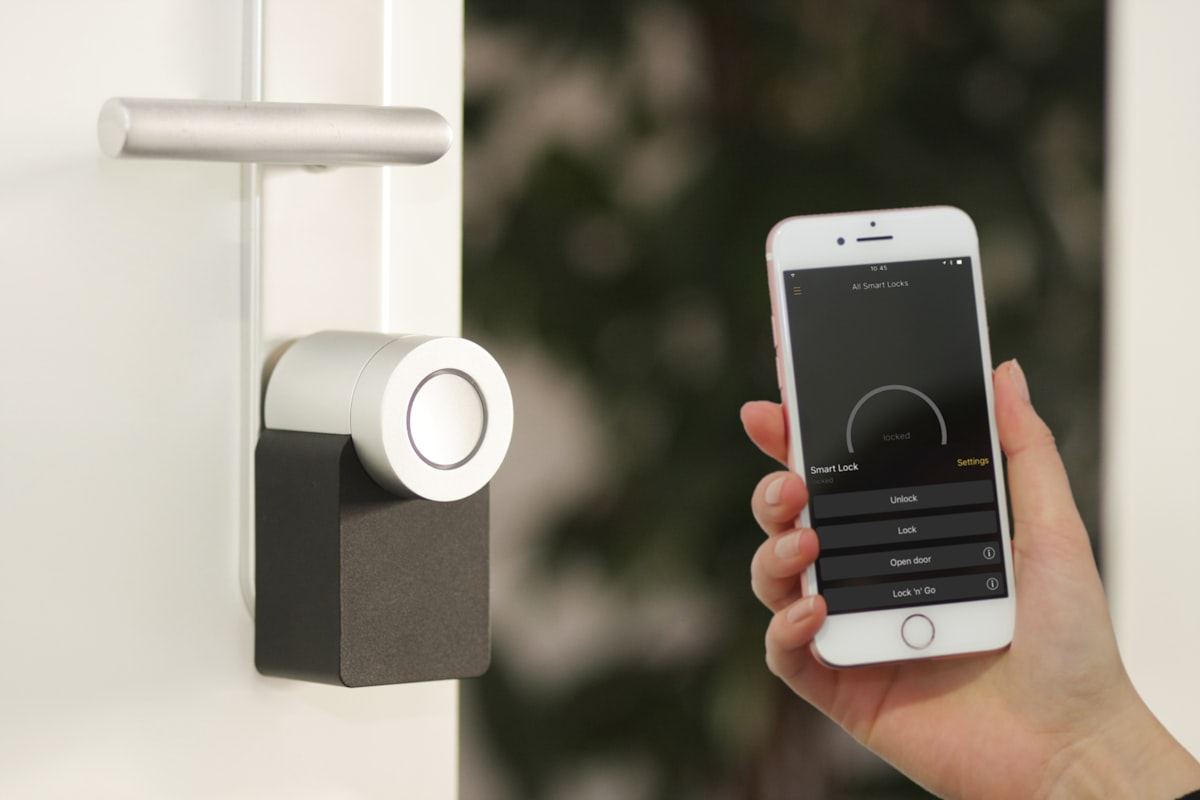
- Benefits: Eliminates manual labor, frees up leisure time, enables remote home automation, smart fridges reduce food waste.
- Drawbacks: Encourages sedentary habits, causes deskilling, smart appliances introduce IoT security vulnerabilities.
5.2 Health Issues & Ergonomic Solutions
| Health Hazard | Causes | Preventative Measure |
|---|---|---|
| RSI (Repetitive Strain Injury) | Repetitive keyboard/mouse movements | Ergonomic keyboards, wrist rests, regular breaks |
| Back / Neck Strain | Prolonged poor posture | Adjustable chairs, tiltable monitors, footrests |
| Eyestrain & Headaches | Screen glare, screen flicker | Anti-glare filters, proper lighting, LCD monitors |
| Ozone Irritation | Laser printer emissions in offices | Proper ventilation, dedicated print rooms |
ICT Applications
6.1 Communication & Modelling
- Media: Websites (interactive, global), Multimedia presentations, Streaming (buffered media), e-Publications, VoIP (internet audio calls).
- Computer Modelling: Software simulations (flood management, structural engineering, finance, weather). Cheaper, safer, and allows scenario testing without real-world risk.
6.2 Automation & Expert Systems
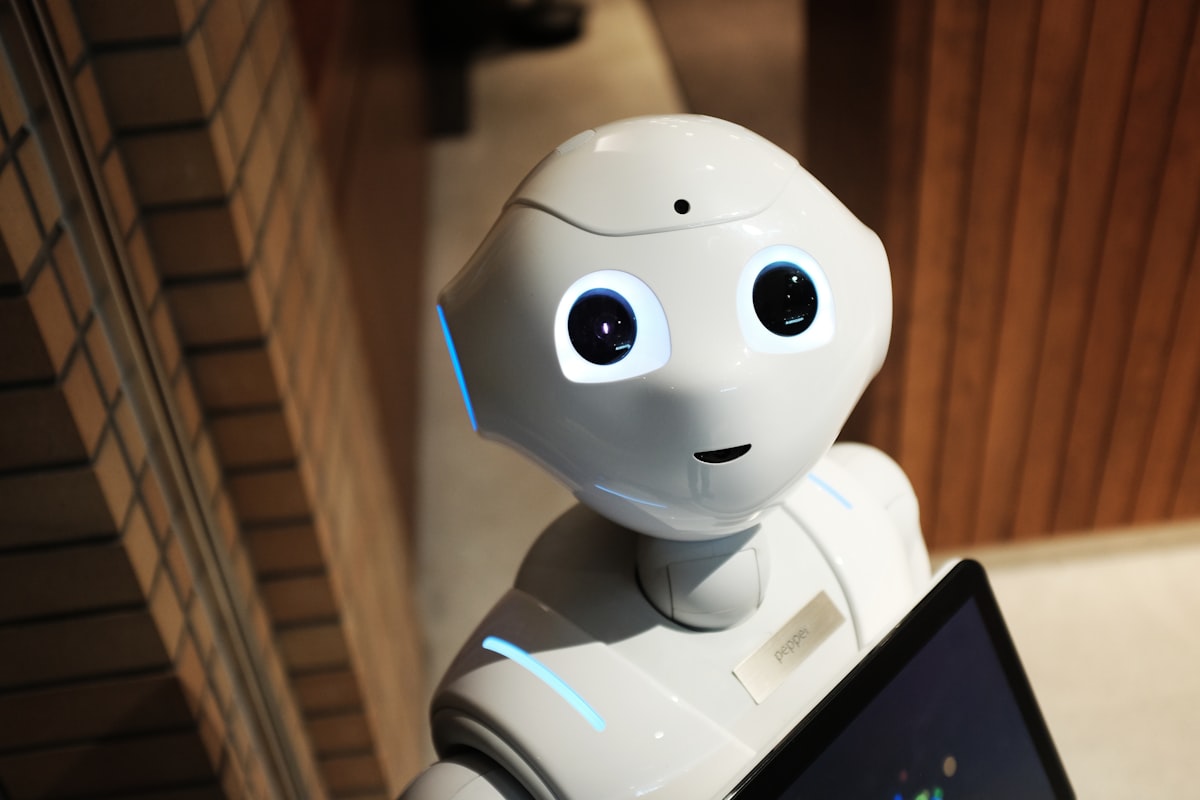
- Industrial Robotics: Automated precision manufacturing; operates 24/7 in hazardous conditions; causes assembly-line unemployment.
- Expert Systems: AI emulating human expertise (e.g., medical diagnostics, mineral prospecting).
User Interface ⇄ Inference Engine ⇄ [Knowledge Base + Rules Base] ⇄ Explanation System
6.3 Banking & Retail Applications
- ATMs: Secure cash withdrawal, PIN authentication, automated fund balance verification.
- EFT & EFTPOS: Direct money transfer between bank computers; retail terminals calculate totals and run stock deductions.
- Internet Shopping: 24/7 global market access; lacks hands-on inspection, risk of fraud and delayed delivery.
- Recognition Systems: ANPR (car plate tracking with OCR), RFID (bulk stock tracking), GPS (satellite routing), GIS (spatial mapping).

The Systems Life Cycle
7.1 Analysis
Research methods: Observation, Interviews, Questionnaires, Document Review. Produces the Requirements Specification.
7.2 Design & Validation Checks
Designs field structures, screen layouts, and automated validation rules:
- Range Check: Data sits between minimum/maximum limits.
- Length Check: Matches a predetermined number of characters.
- Type / Character Check: Checks correct data type (numeric, alphabetic).
- Format Check: Matches set masks (e.g., DD/MM/YYYY).
- Presence Check: Ensures fields are not left blank.
- Check Digit: Appended digit verifying mathematical accuracy.
7.3 Testing
- Normal Data: Expected, valid inputs within range (e.g., 5 for months 1–12).
- Extreme Data: Boundary limits of acceptability (e.g., 1 or 12).
- Abnormal Data: Invalid inputs outside boundaries or wrong types (e.g., -1, 15, "July").
7.4 System Implementation Methods
| Method | Description | Pros / Cons |
|---|---|---|
| Direct Changeover | Old stops, new starts immediately. | Fast & cheap; catastrophic risk if it fails. |
| Parallel Running | Both systems run side-by-side. | Lowest risk, backup available; double workload & costly. |
| Pilot Running | Introduced to one branch/department first. | Errors isolated to one unit; long organization rollout. |
| Phased Implementation | Introduced module-by-module gradually. | Gradual training; system integration problems. |
7.5 Documentation & Evaluation
- Technical Documentation: For maintenance engineers (program code, flowcharts, data structures, validation rules).
- User Documentation: For end users (how to run tasks, troubleshooting, error handling, glossary).
- Evaluation: Assesses speed, efficiency, usability, and feedback against initial task goals.

Safety & Security
8.1 Physical Safety Hazards
- Electrocution: Liquid spills, damaged wiring. Prevent via circuit breakers and insulation.
- Fire: Overloaded wall sockets, blocked vents. Prevent with clear ventilation and CO₂ fire extinguishers.
- Trailing Cables: Trip hazards. Tidy via cable ducts and conduit covers.
- Falling Equipment: Heavy equipment placed on desk edges. Use large, stable desks.
8.2 Security & Data Protection
- Data Protection Principles (e.g., GDPR): Data must be fairly and lawfully processed, limited to necessary purposes, kept accurate, and secured.
- Security Measures:
- Encryption: Scrambles data with algorithms; unreadable without decryption keys.
- Firewall: Monitors and filters incoming/outgoing network packets based on security rules.
- SSL / TLS: Encrypts communications between web browsers and secure servers.
- 2FA (Two-Factor Authentication): Requires two independent verification elements (e.g., password + OTP token).

Audience & Copyright
9.1 Audience Appreciation
Adapting interfaces for target age, technical skill, and accessibility needs (high contrast, screen reader compatibility, voice output).
9.2 Software Copyright & Anti-Piracy
Laws safeguarding software creators against illegal copying, reproduction, or redistribution.
- Product Activation Keys: Unique serial keys validated on installation.
- Digital Rights Management (DRM): Controls unauthorized playback and distribution.
- Cloud Updates: Checks software licensing before issuing patches.

Communication & Internet Protocols
10.1 Email Communication
- Cc vs. Bcc: Carbon Copy (visible recipients) vs. Blind Carbon Copy (recipient addresses kept hidden).
- Spam: Unsolicited mass emails; managed via spam filter rules.
- Netiquette: Online etiquette (avoiding writing in ALL CAPS shouting and offensive language).
10.2 Internet Architecture & Protocols
URL Architecture: Protocol (https://) ➔ Domain (www.cambridge.org) ➔ Path/Filename (/ict/paper1.html)
| Protocol | Full Meaning | Role |
|---|---|---|
| HTTP | Hypertext Transfer Protocol | Transmits hypermedia web pages across the internet. |
| HTTPS | HTTP Secure | Encrypted HTTP session using SSL/TLS encryption. |
| FTP | File Transfer Protocol | Transfers files directly between clients and remote web servers. |
| SSL | Secure Sockets Layer | Cryptographic protocol establishing an encrypted web link. |